插入多张图片时,图片之间会有间隔:Documentation Index
Fetch the complete documentation index at: https://help3.jinshuju.net/llms.txt
Use this file to discover all available pages before exploring further.
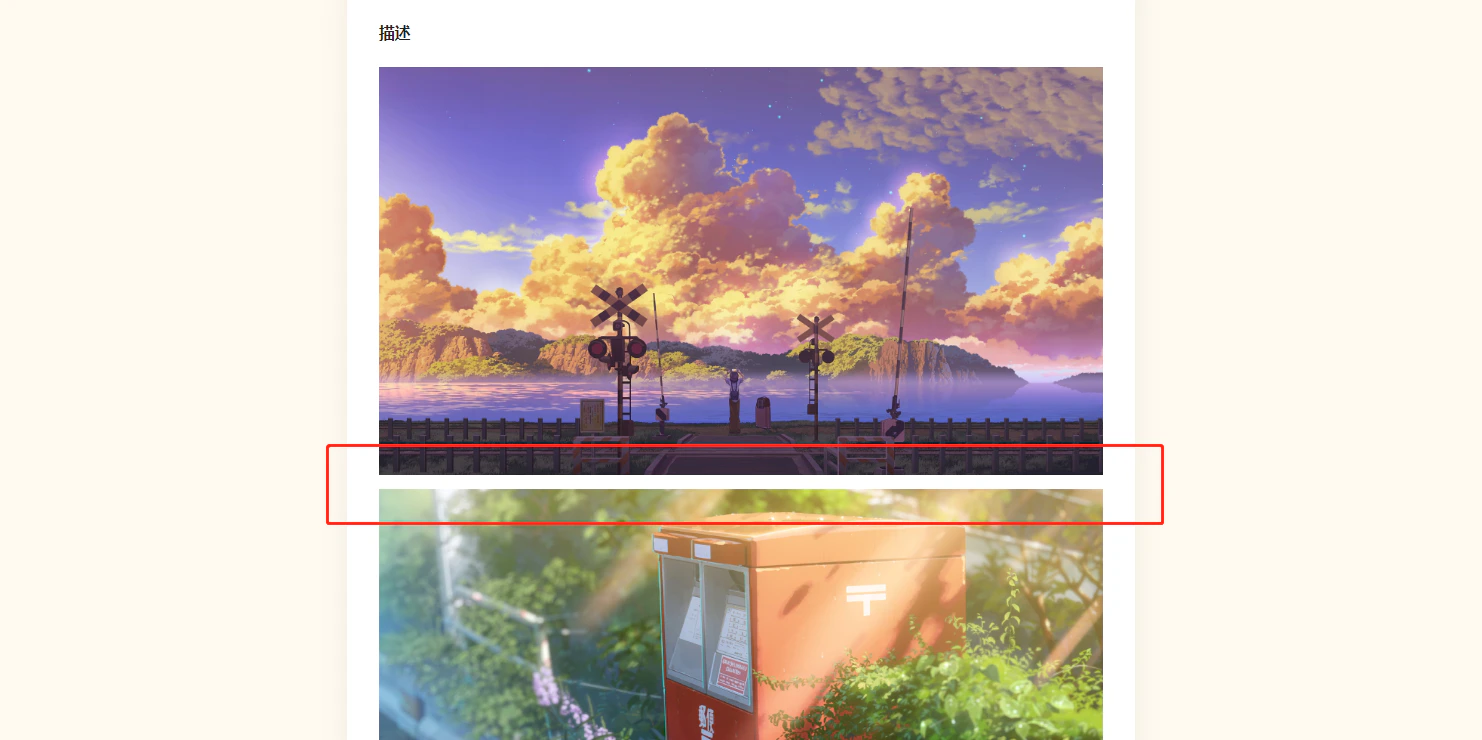
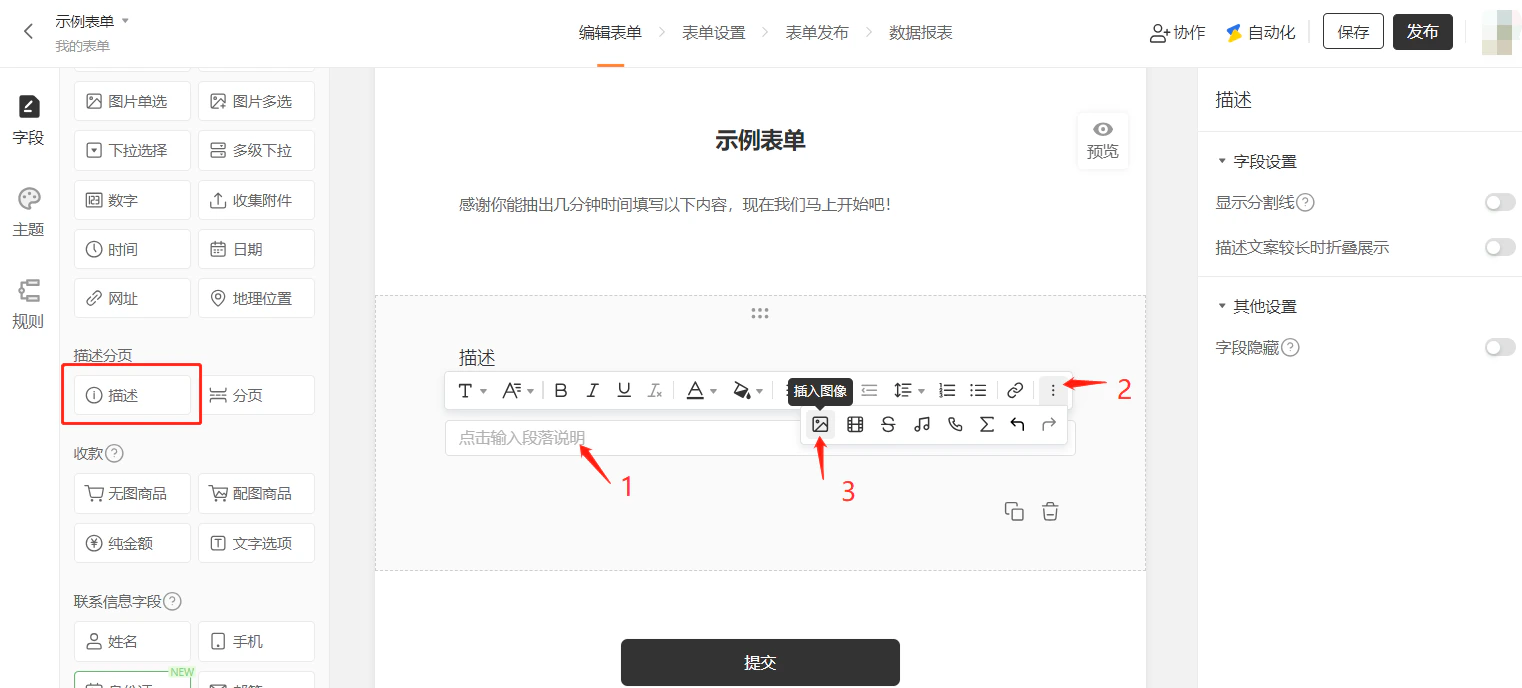
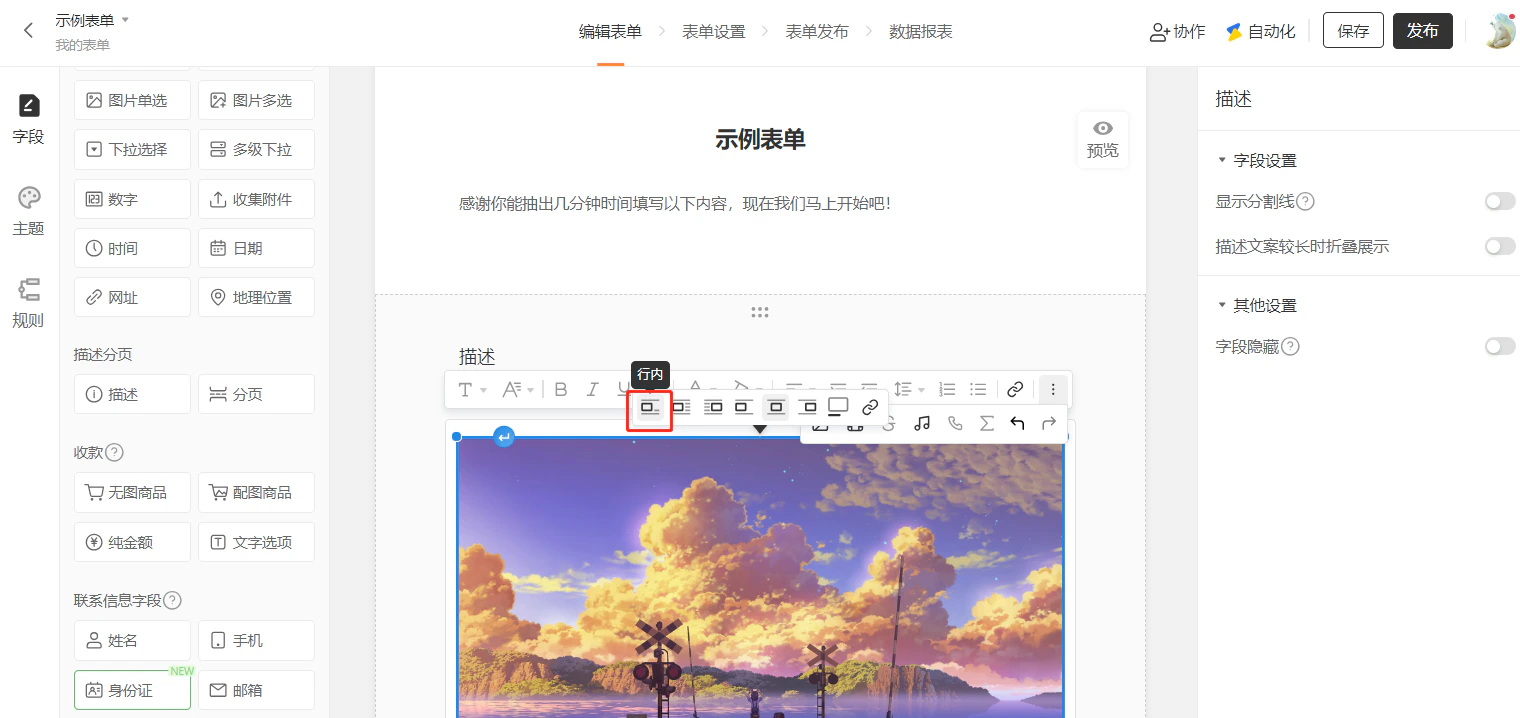
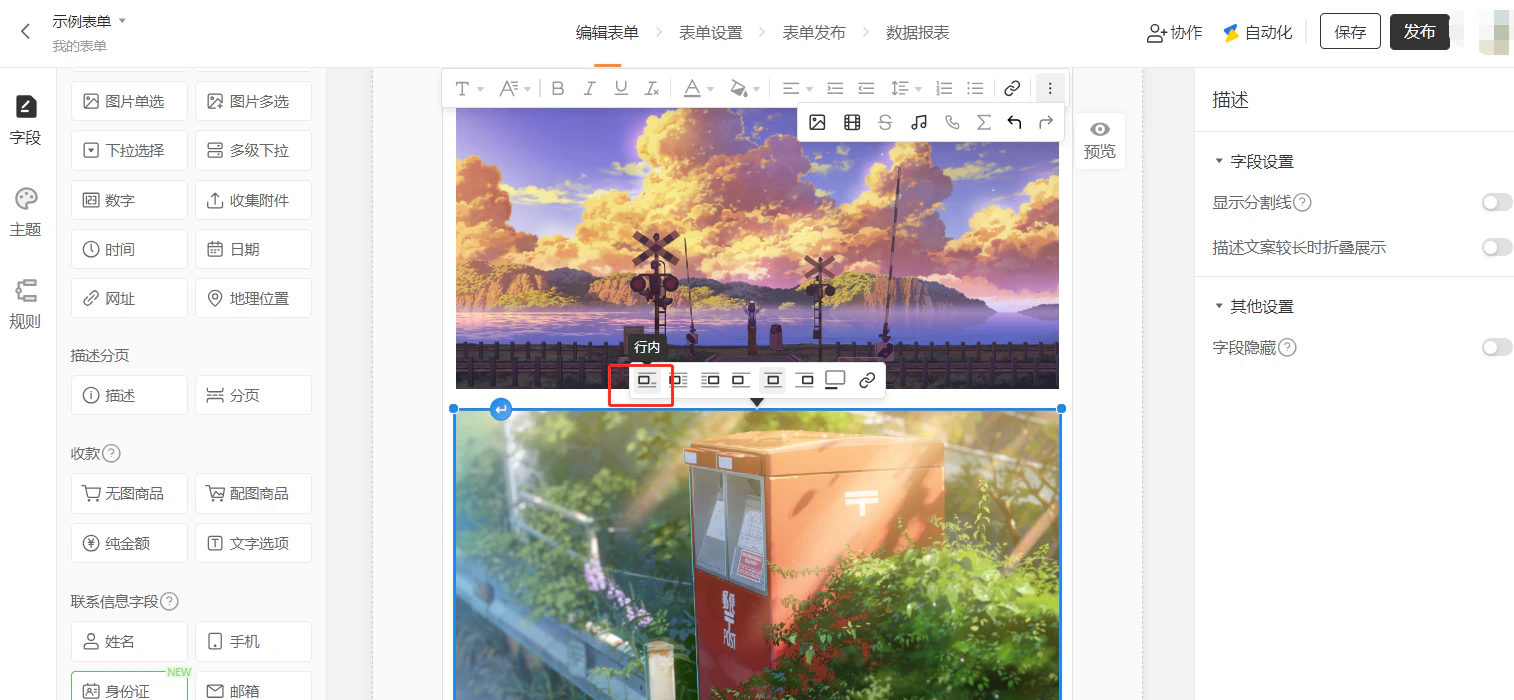
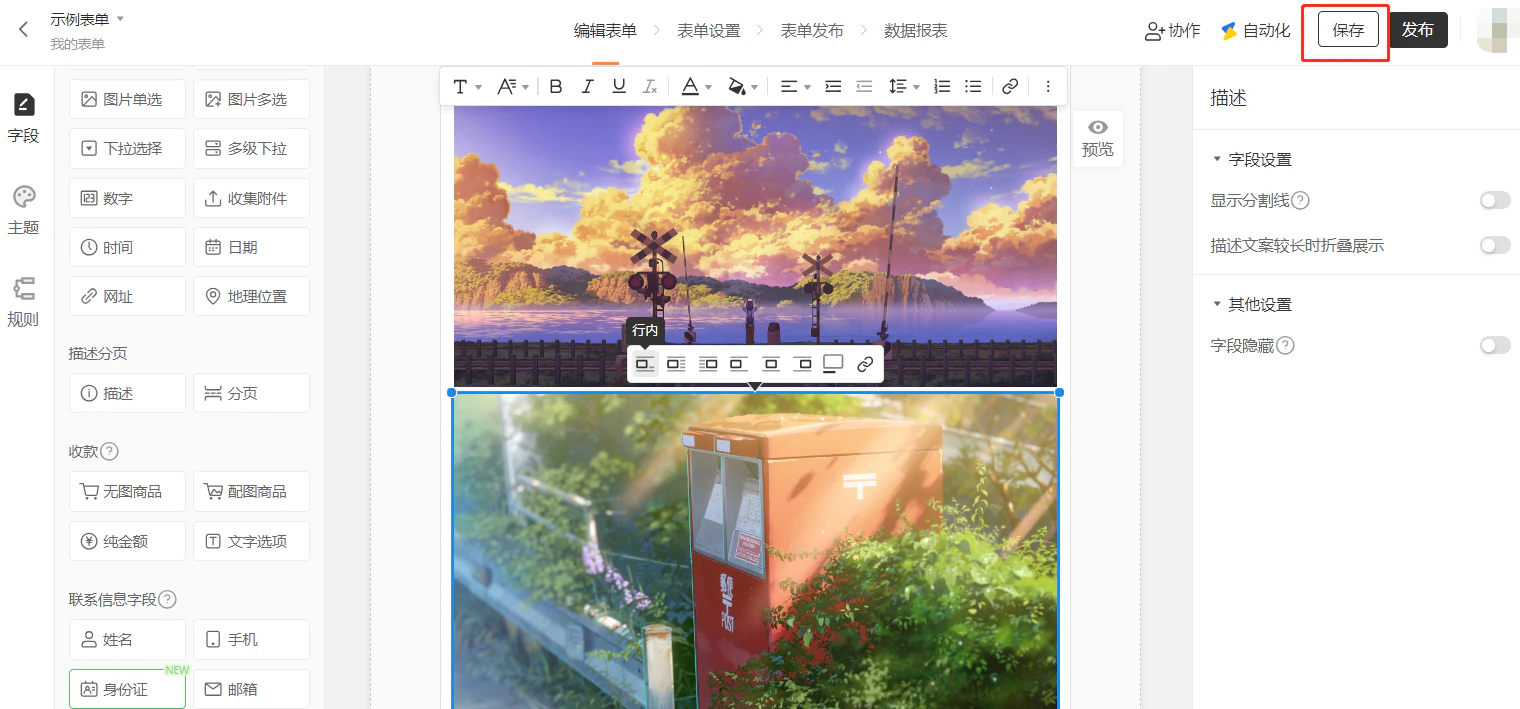
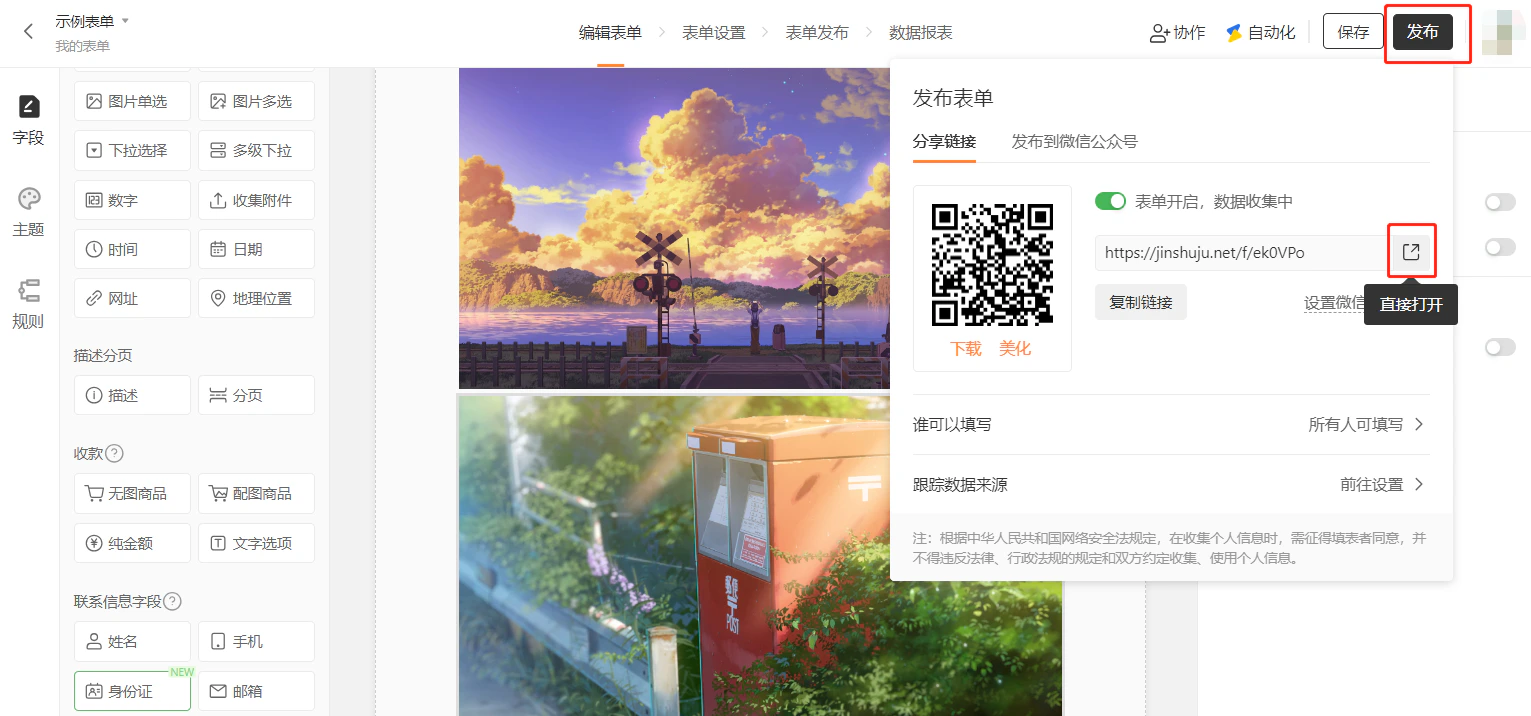
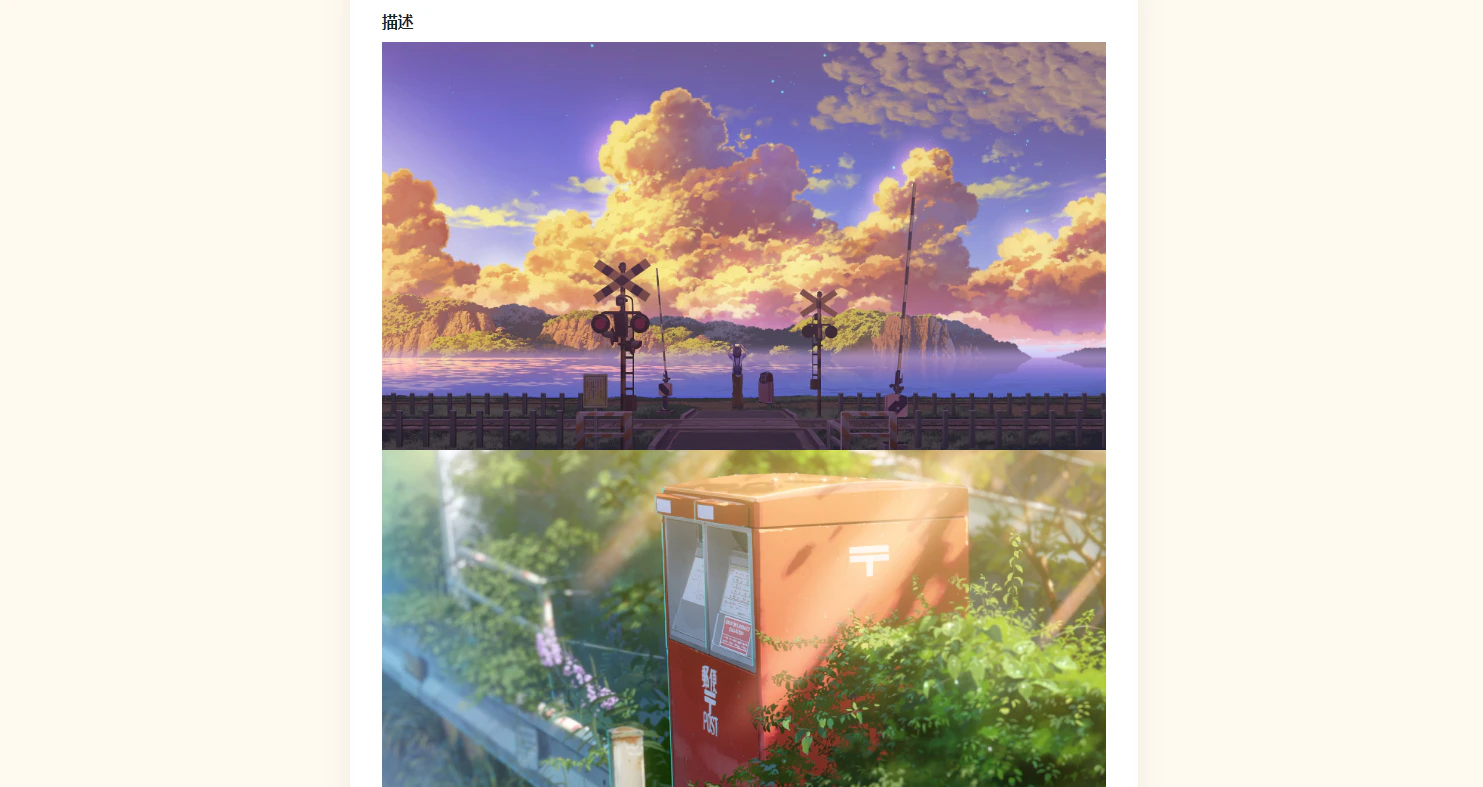
当需要调整表单的字段间距和页面留白,优化视觉紧凑度时,可移除或调整间距。
插入多张图片时,图片之间会有间隔:Documentation Index
Fetch the complete documentation index at: https://help3.jinshuju.net/llms.txt
Use this file to discover all available pages before exploring further.